Email Template Generator HTML: 10 Builders Compared

Pick the builder by where the HTML goes. A campaign can look perfect in the editor and still break after export, especially when Outlook strips styling, Gmail clips a long message, or a mobile client handles media queries differently. That's why an email template generator HTML tool isn't just about drag-and-drop speed. It's about whether the output lands cleanly in an ESP, your own app, or a review chain that needs bulletproof HTML and predictable testing.
This roundup compares ten builders by export path, free-tier limits, and built-in testing support. It also pairs each tool with the team that usually gets the most out of it, because the best choice for a solo marketer is often the wrong choice for an agency, a SaaS product, or an enterprise workflow. Keep the goal simple, get a usable export path first, then worry about polish.
Table of Contents
- 1. Beefree
- 2. Stripo
- 3. Postcards by Designmodo
- 4. Mosaico
- 5. MJML
- 6. Unlayer
- 7. Topol
- 8. Chamaileon
- 9. Litmus Builder
- 10. Dyspatch
- Top 10 HTML Email Template Generators: Feature Comparison
- Run One Test Send Before You Commit
1. Beefree
Beefree is a good fit when non-technical teammates need to produce branded emails fast without being trapped inside one sender. The big win is the export flexibility, since you can move the HTML into different tools instead of tying the workflow to a single platform. That matters when a marketing manager builds the layout, a copywriter edits the body, and someone else sends the campaign.
Where Beefree fits
The builder works best for quick outreach, one-sheets, and reusable campaign shells. It's also a sensible option if your team wants editable templates, direct ESP exports, and the option to keep sending separate from design. On higher tiers, roles, permissions, and multi-workspace support make it easier to keep brands or departments apart.
Practical rule: choose Beefree when speed matters more than deep code control, but don't assume the lower tiers will cover every image-hosting or export need.
The trade-off is straightforward. Beefree is efficient for marketers, but the public pricing path isn't always easy to find, and lower tiers can bring limits around image hosting or export behavior. If you want a builder that helps a teammate ship clean HTML without asking engineering to rebuild every block, Beefree is one of the clearest places to start. Website: Beefree.
2. Stripo
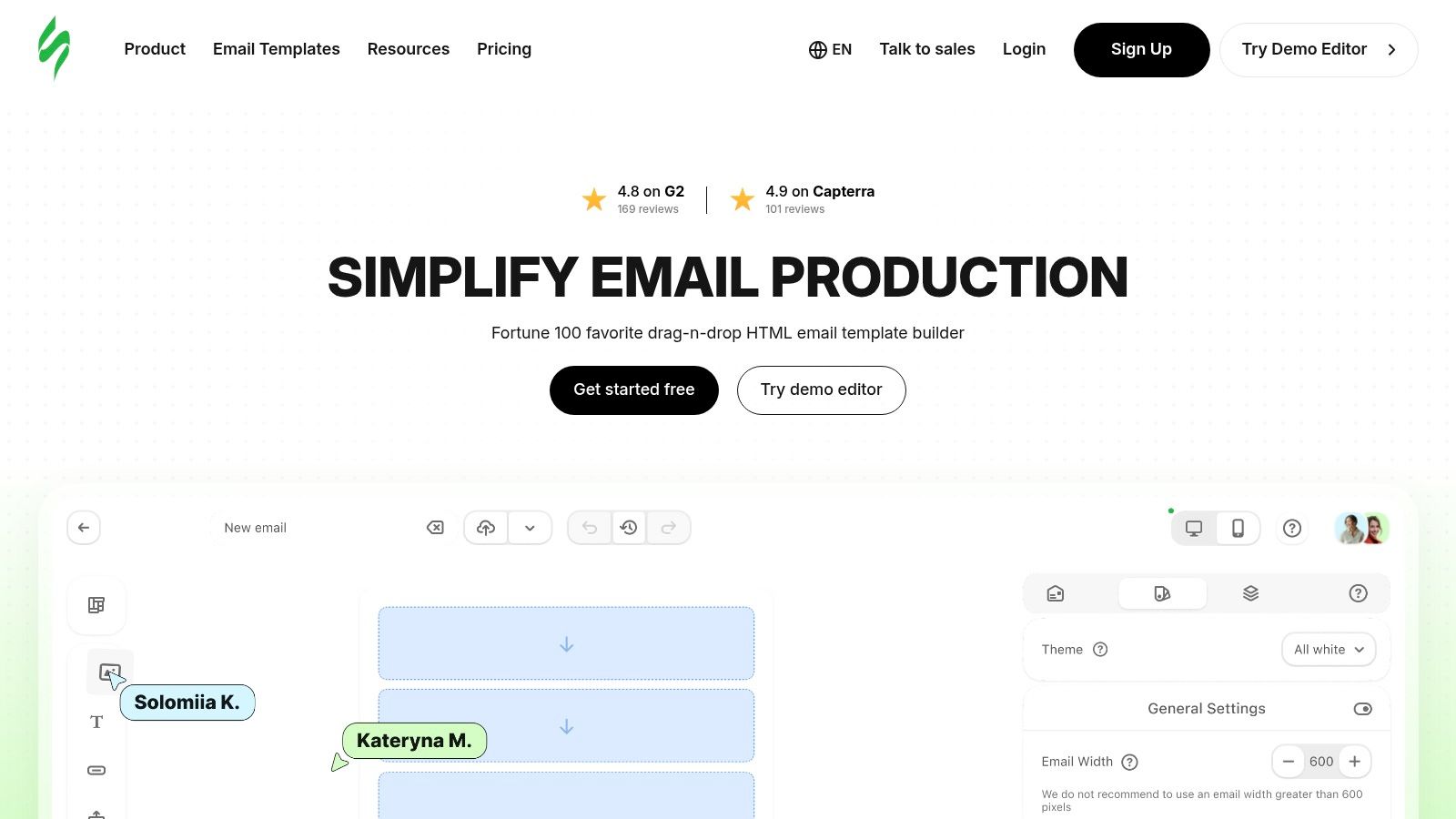
A campaign team that keeps rebuilding the same modules can save a lot of time with Stripo. It pairs drag-and-drop editing with side-by-side HTML and CSS editing, so a marketer can assemble the layout while a developer checks the markup before export. Built-in testing matters here, because it catches compatibility problems before a send goes out.
Stripo's template workflow works best when headers, blocks, and reusable sections keep coming back across campaigns.
Built for export-heavy teams
Stripo fits teams that need repeated exports into ESPs and want a large template catalog without starting every email from scratch. Its collaboration tools, comments, and roles help keep review notes inside the builder instead of scattered across Slack or email replies. The AI helpers for subject lines, preview text, and body copy are useful when a team needs a few workable variants, not a long drafting session.
Free access is fine for light use, but export and testing limits can become a problem quickly if volume is steady. That trade-off makes Stripo a better match for teams with predictable output and a real need for QA before send. If your team ships many versions of the same email and wants to test before send, Stripo deserves a close look. Internal reference: email template generator AI.
3. Postcards by Designmodo
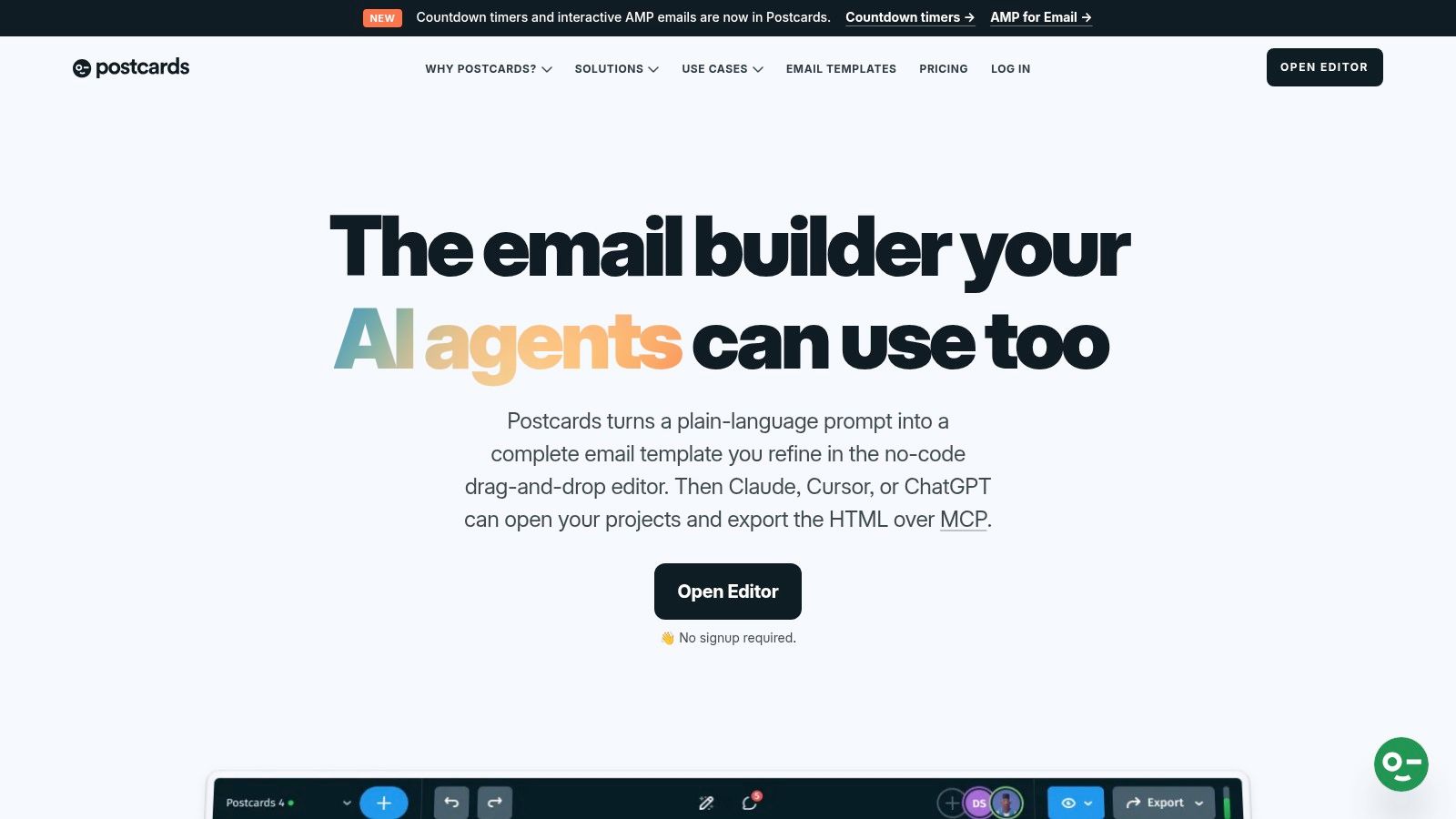
Postcards is strongest when design polish matters and you want the layout to look intentional without hand-building every module. The editor leans visual, but the export path stays practical, with HTML export and direct pushes into common platforms like Mailchimp, HubSpot, and Klaviyo. That makes it useful for launches, welcome sequences, and brand-driven announcements.
Clean modules, less friction
The AI Suite can help with layout changes or copy drafts when a campaign needs to move quickly. Image hosting and CDN support are handy for teams that don't want to juggle assets manually, and the Outlook-safe VML guidance matters more than people admit when a design looks fine in preview and then degrades in desktop Outlook. The browser-only workflow is the obvious trade-off, since there's no offline editing path.
The strongest use case is a small team that wants a polished output without a long production cycle. The weaker fit is a workflow that needs offline work, deep engineering control, or very large numbers of exports every month. Postcards is a practical middle ground between visual design speed and usable production HTML. Website: Postcards by Designmodo.
4. Mosaico
Mosaico is the no-vendor-lock-in choice. If privacy, self-hosting, or a simple free drag-and-drop flow matter more than a huge template library, it stays relevant. The open-source model also makes it easier to keep control of your stack instead of depending on a closed SaaS roadmap.
Best for controlled environments
Mosaico works well for teams that already have technical support, because the self-hosted route usually means more DIY around setup and integrations. The editor is lighter than most commercial builders, but that's also the point. It gives you a familiar, low-friction way to assemble responsive HTML without signing up for a heavier platform than you need.
Direct advice: if your legal, privacy, or infrastructure team dislikes SaaS dependence, Mosaico is often easier to justify than a prettier tool with more hidden constraints.
The trade-off is the smaller ecosystem. You won't get the same native integration depth or commercial polish as a more mature paid builder, so Mosaico is rarely the fastest path for a busy marketing team. It's the better fit for organizations that would rather own the workflow than rent it. Website: Mosaico.
5. MJML
MJML is the developer's answer to messy HTML email. It compiles semantic components into table-based email HTML, which is exactly what you want when you need portability across sending platforms and don't want to hand-code every nested table. For teams that think in source control, component reuse, and predictable output, it's hard to ignore.
When code control wins
The free online editor and VS Code plugin make it easy to work in a developer workflow without adopting a full visual builder. That's a big advantage if your team already has templates in a codebase and wants the email to feel like software, not a marketing artifact. The downside is equally clear, because the visual experience is basic compared with commercial drag-and-drop tools.
MJML is a strong choice when the source of truth should live in code, not in a browser editor.
It doesn't ship with built-in testing, so the QA burden moves elsewhere. That's fine for technical teams that already preview emails in their ESP or a separate testing layer, but it's a weak fit for marketers who expect everything inside one interface. Use MJML when you want control, portability, and clean compiled HTML, not a polished no-code workspace. Website: MJML.
6. Unlayer
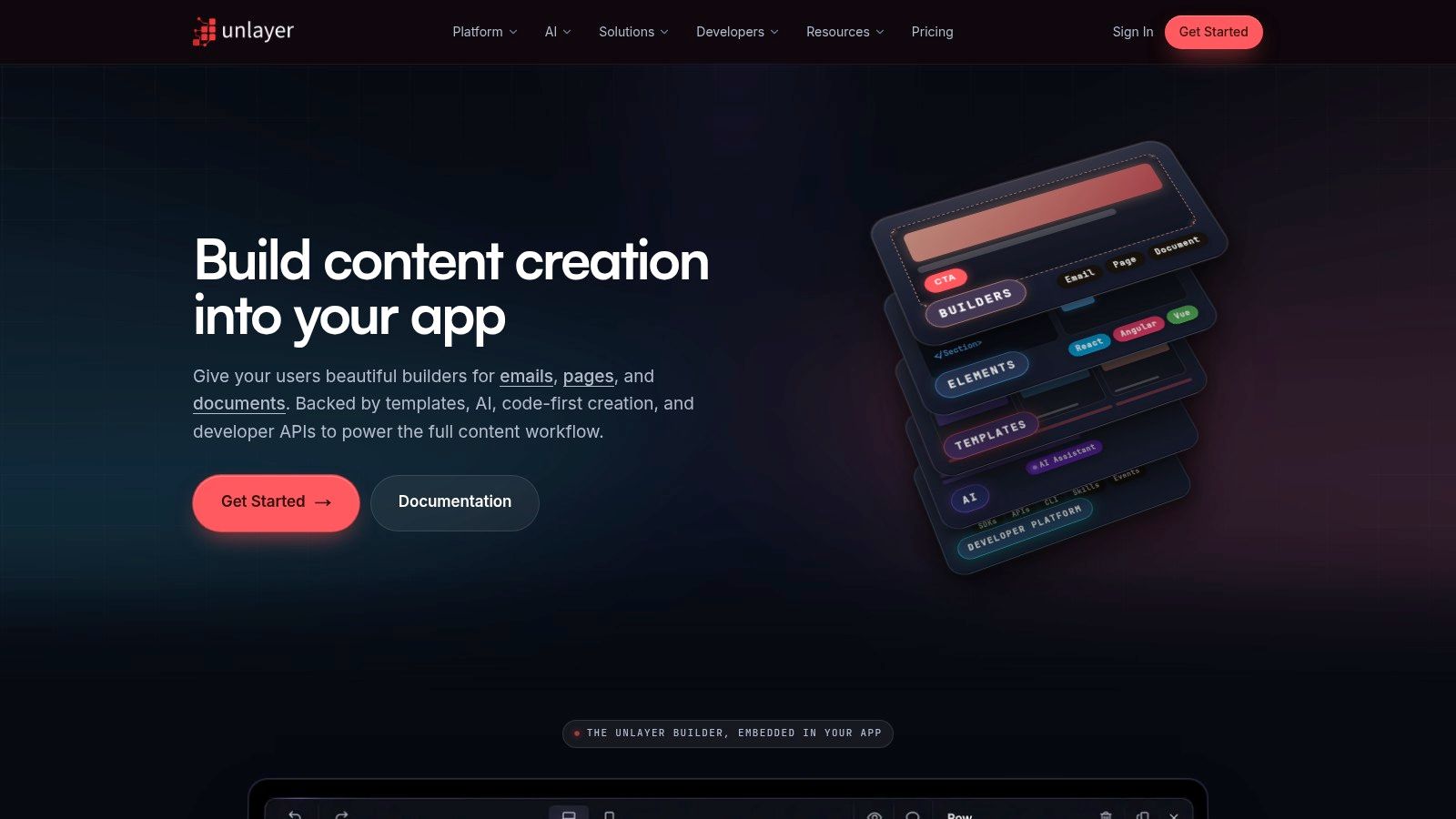
Unlayer stands out because it's built for embedding. If you need an editor inside your own product, or you want to give customers a clean email builder within your app, Unlayer is much more relevant than a standard marketing tool. It also offers HTML, JSON, and PDF export paths, which helps product teams and SaaS builders keep their workflows flexible.
Product teams get the most from it
The AI Assistant and AI Template Importer are useful, but the primary value is the API surface and embeddable editor. That lets engineering teams control the experience instead of stitching together a third-party builder and a separate handoff process. If you're building tooling for customers or internal users, that's a major difference.
The trade-off is cost and depth. More advanced capabilities sit behind higher tiers, and some usage relies on credits or add-ons. For small marketing teams that just want to send newsletters, Unlayer can be more machine than they need. For SaaS and workflow builders, it's much closer to the right category. Website: Unlayer. Internal reference: interview scheduling email.
7. Topol
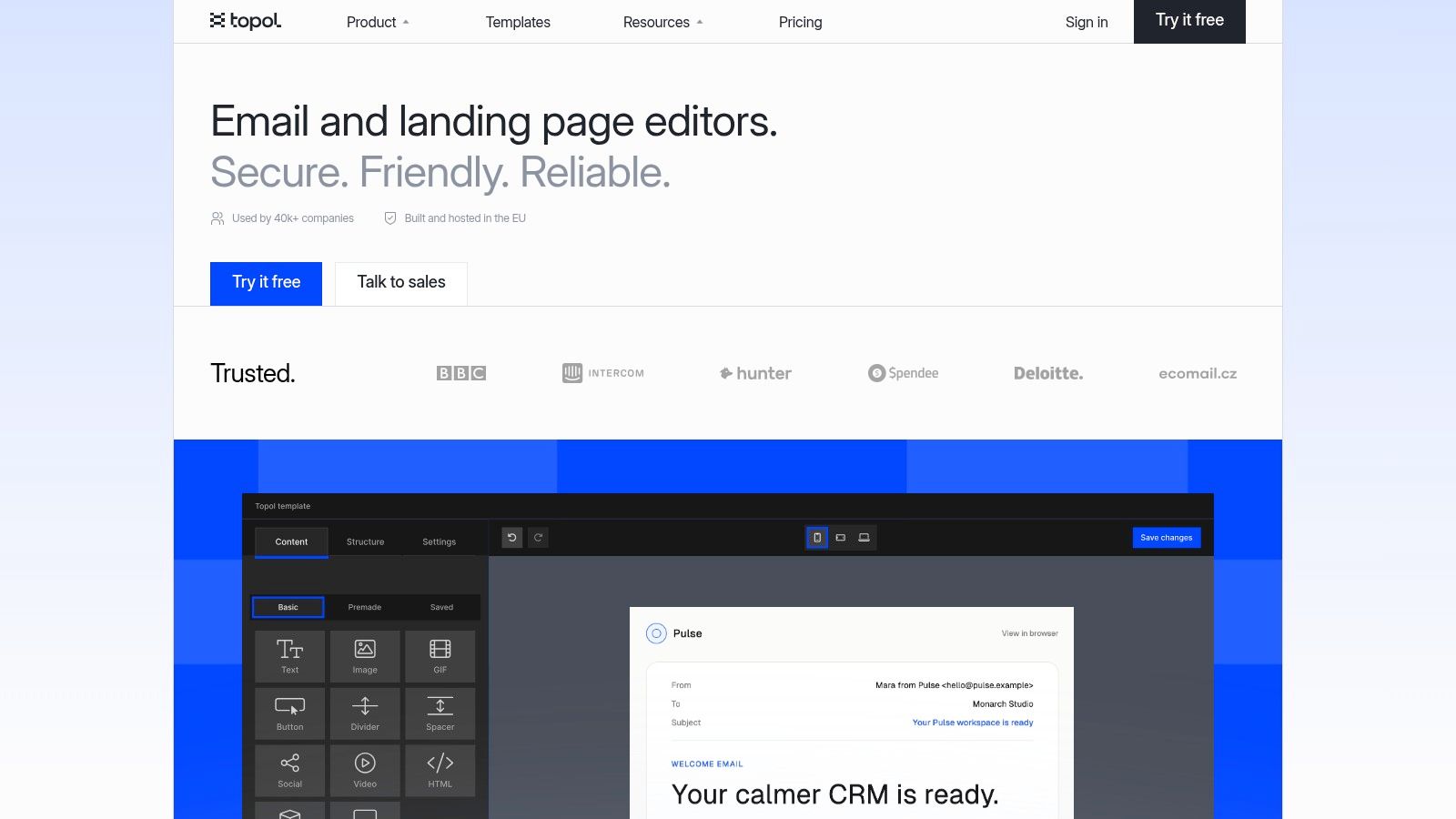
Topol is the fit when you want MJML-style reliability without building the whole stack yourself. It's designed around predictable rendering, white-label plugin options, and an SDK path for teams that want to embed the editor in a product. That makes it useful for SaaS teams, agencies, and anyone who wants portable HTML with less hand-fixing later.
Good for teams that ship often
The unlimited exports on plugin tiers are a meaningful draw for product use cases. The builder also includes saved blocks and AI assistance, which help keep templates consistent when multiple people touch the same asset. Where Topol gets more specialized is in its plan split, since Team, Pro, and Plugin offerings don't line up the same way.
The practical downside is that collaboration, multilingual support, and synced sections live higher up the ladder. If you need those features, you'll want to check the exact tier instead of assuming every plan includes them. Topol is a strong pick when your main question is how to produce portable HTML inside a product or brandable environment. Website: Topol.
8. Chamaileon
Chamaileon is for teams that care about approvals, brand governance, and production-safe HTML. It's not trying to be the lightest builder on the market. It's trying to reduce the chances that a messy handoff or a custom tweak turns into a broken send.
Best for governed workflows
Roles, permissions, comments, and approval workflows make sense for agencies, enterprise teams, and networked brands. The embedding SDK and white-label paths also help when the builder has to fit into a larger product or service layer. If you need one system where templates, modules, and approvals are managed centrally, Chamaileon has a clear use case.
The trade-off is a steeper learning curve when you start customizing modules. Pricing is also sales-led, so you won't get the same upfront clarity as with a self-serve tool. That means it's better for teams that know they need process and governance, not for a one-person shop looking for quick exports. Website: Chamaileon.
9. Litmus Builder
Litmus Builder is strongest when building and testing need to happen in the same ecosystem. If your team already uses Litmus for previews and QA, the builder fits naturally because it ties creation to client/device checks and subject line support. That tight loop helps reduce surprises before the campaign hits a real inbox.
QA-first teams get leverage here
The ESP Sync is especially useful when you want to push HTML directly into your sending platform after review. That reduces handoff friction, and it gives agencies or larger marketing teams a cleaner way to show QA evidence when approval chains are strict. The trade-off is obvious, since the platform is sales-led and usually makes the most sense as part of the broader Litmus stack.
If you only need a standalone editor, Litmus can feel like more platform than product. If you need build, preview, and approval under one roof, it's one of the more disciplined options. It suits teams that ship variants often and can justify paying for a tightly integrated workflow. Website: Litmus Builder.
10. Dyspatch
Dyspatch is built for teams that need enterprise governance across marketing and transactional email. The drag-and-drop editor is only part of it. The bigger value sits in approvals, localization, reusable templates, and multi-ESP export paths that keep a larger organization from drifting into template chaos.
Strong when process matters
Integrated rendering previews through Litmus help teams catch problems before they ship, and the localization tooling is a real advantage for multilingual organizations. AMP support also gives technical teams more room to experiment when the sending stack can support it. The workflow is heavier than lighter builders, but that's often the point in regulated or multi-brand environments.
Practical rule: if your team needs approvals, localization, and governance more than it needs a fast one-off editor, Dyspatch belongs on the shortlist.
The trade-off is that it can be overkill for small teams, and pricing is quote-based. A solo marketer or small startup will likely find it more process than they need. Larger organizations, though, get a central place to manage both marketing and transactional production. Internal reference: interview schedule email reply. Website: Dyspatch.
Top 10 HTML Email Template Generators: Feature Comparison
| Product | Core features | UX & Quality ★ | Price / Value 💰 | Target audience 👥 | Unique selling points ✨🏆 |
|---|---|---|---|---|---|
| Beefree (BEE) | Drag‑&‑drop templates, HTML export, roles/multi‑workspace | ★★★★ | 💰 Free plan, limits on image hosting/exports | 👥 Small teams, marketers creating one‑sheets | ✨ Fast, non‑technical HTML export for any ESP |
| Stripo | Drag + side‑by‑side code, large template library, AI helpers, testing | ★★★★ | 💰 Freemium; export/test quotas on free tier | 👥 Teams needing templates + collaboration | 🏆 Huge template catalog, AI copy tools & wide export coverage |
| Postcards (Designmodo) | Modular blocks, AI layout/copy, CDN hosting, ESP exports | ★★★★ | 💰 Freemium; plan limits on exports/hosting | 👥 Designers, marketers wanting polished pitches | ✨ Modern modules + AI for quick on‑brand layouts |
| Mosaico | Open‑source drag‑drop, self‑host option, simple template language | ★★★ | 💰 Free / self‑host (dev effort) | 👥 Privacy‑conscious teams, self‑hosting devs | 🏆 No vendor lock‑in, lightweight responsive HTML |
| MJML | Semantic components → responsive table HTML, web editor, plugins | ★★★★ | 💰 Free, open‑source | 👥 Developers wanting portable HTML | 🏆 Best portability; compiles to robust cross‑client HTML |
| Unlayer | Embeddable editor, HTML/JSON/PDF export, custom blocks, API | ★★★★ | 💰 Generous free tier, transparent paid plans | 👥 Product teams, platforms embedding editor | ✨ Strong export APIs + embeddable SDK |
| Topol | Drag‑drop + MJML rendering, saved blocks, white‑label SDK | ★★★★ | 💰 Competitive plugin pricing; tiered plans | 👥 Teams needing white‑label/MJML reliability | 🏆 MJML compatibility + brandable plugin SDK |
| Chamaileon | Drag‑drop, strict production HTML, approvals, SDK | ★★★★ | 💰 Sales‑led (enterprise pricing) | 👥 Agencies, enterprises with governance needs | 🏆 Production‑safe HTML + structured approval workflows |
| Litmus Builder | Visual/code editor + modular content, integrated previews/QA | ★★★★ | 💰 Sales‑led; best value with Litmus suite | 👥 Teams needing rigorous QA & previews | 🏆 Tight build→test loop with client/device previews |
| Dyspatch | Template management, approvals, localization, Litmus previews | ★★★★ | 💰 Quote/enterprise pricing | 👥 Multi‑brand, multi‑language organizations | 🏆 Enterprise governance + localization & AMP support |
Run One Test Send Before You Commit
Shortlist two builders that match your export path first. If your emails go to Mailchimp or HubSpot, start with tools that push cleanly into those ecosystems. If your team needs raw HTML, compare the export quality and the amount of manual cleanup required after inlining, image handling, and responsive tweaks.
Build the same welcome email in both tools. Use one layout with a hero, a short body block, a CTA, and a footer, then export it and send test copies to real inboxes. That test usually reveals the difference faster than any feature list, because the issue is rarely whether the builder can design an email, it's whether the HTML survives contact with your actual stack.
Built-in testing matters most when your team ships often, but even a good preview can't replace a real send. Email clients don't interpret modern web code uniformly, and compatibility testing exists for a reason. A builder that looks clean in the editor can still fail on a phone, clip in Gmail, or degrade in Outlook, so the safest choice is the one that needs the fewest fixes after export.
Check pricing directly with the vendor before you commit. Several of these tools are sales-led, some hide key limits behind tier changes, and a few only make sense when the plan details line up with how often your team exports. The right email template generator HTML setup is the one that fits your workflow today and won't trap you in rework next quarter.
Need a simpler way to turn outreach into booked conversations? Let's Make A Podcast helps hosts and guests manage pitching, one-sheets, and scheduling in one workflow, so the path from discovery to interview stays organized. If you're building repeatable outreach systems and want less admin between emails and calendar invites, it's a practical place to start.