7 Interview Schedule Email Reply Templates
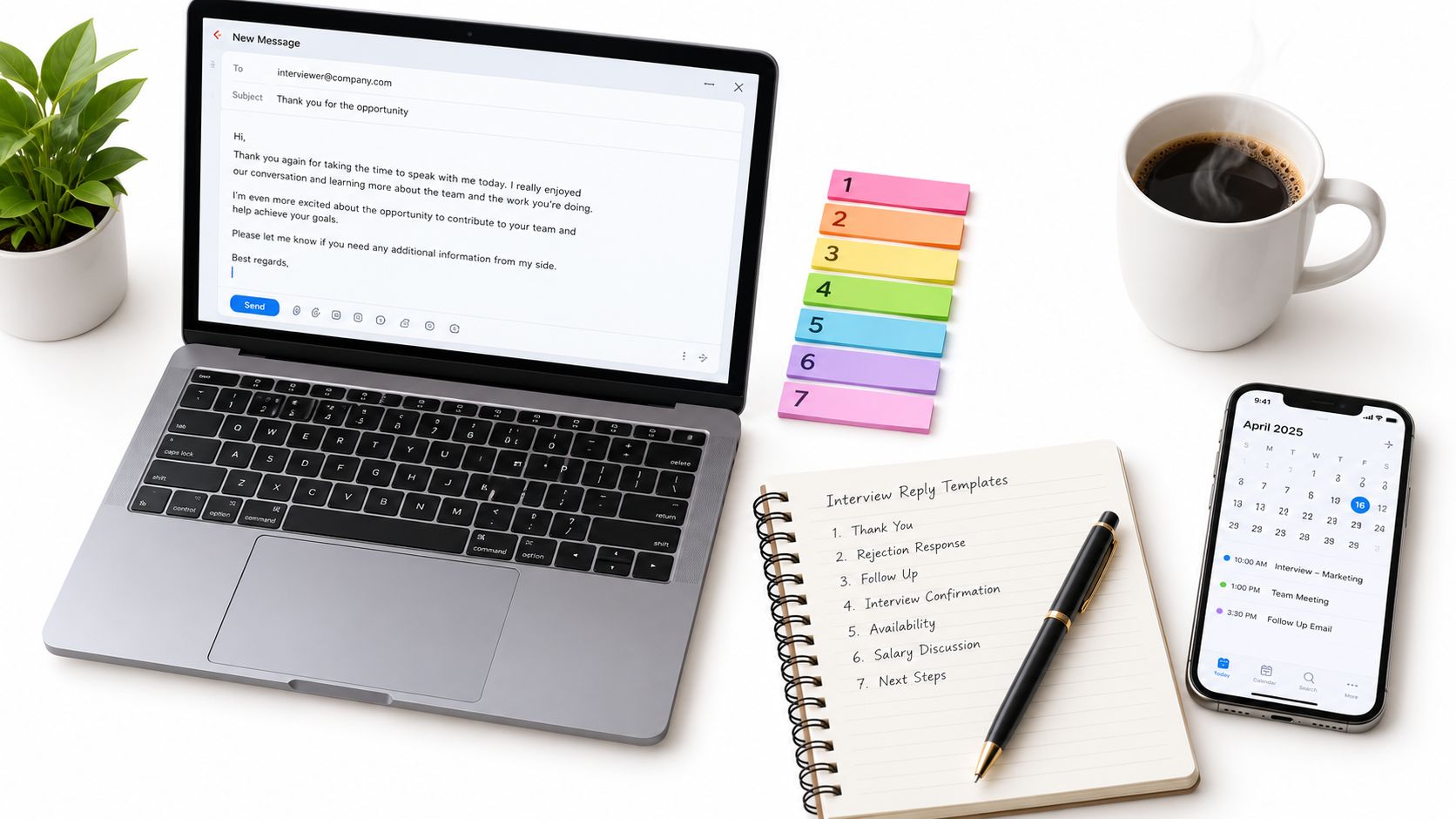
You've just received an interview invitation from a podcast host. The date looks workable, but the message may leave questions about the recording format, time zone, calendar link, or what happens next. You need to decide whether to confirm, ask for details, request a different slot, follow up, or step away without damaging the relationship.
The strongest interview schedule email reply does more than acknowledge an invitation. It records the important details, reduces the chance of a missed recording, and makes the next action obvious for both people. That matters because broad B2B outreach averages a 3.43% reply rate, while top-performing campaigns exceed 10%, and about 97 out of 100 outbound emails receive no response according to Mailshake's 2026 cold email benchmark analysis.
The seven templates below cover real podcast-booking moments, from confirmation and preparation to time-zone checks, rescheduling, follow-up, and cancellation. Let's Make A Podcast can help keep messages, scheduling, and calendar details together while you manage those exchanges.
Table of Contents
- 1. Confirmation and Appreciation Reply Template
- 2. Conditional Acceptance with Clarification Questions Template
- 3. Time Zone and Calendar Logistics Confirmation
- 4. Enthusiastic Acceptance with Guest Preparation Highlights Template
- 5. Reschedule Request with Alternative Dates
- 6. Follow-Up to a Non-Responsive Host with Soft Re-Engagement
- 7. Cancellation or Withdrawal with Professional Closure
- 7 Interview Schedule Reply Templates Compared
- Turn Every Scheduling Reply into a Trust Signal
1. Confirmation and Appreciation Reply Template
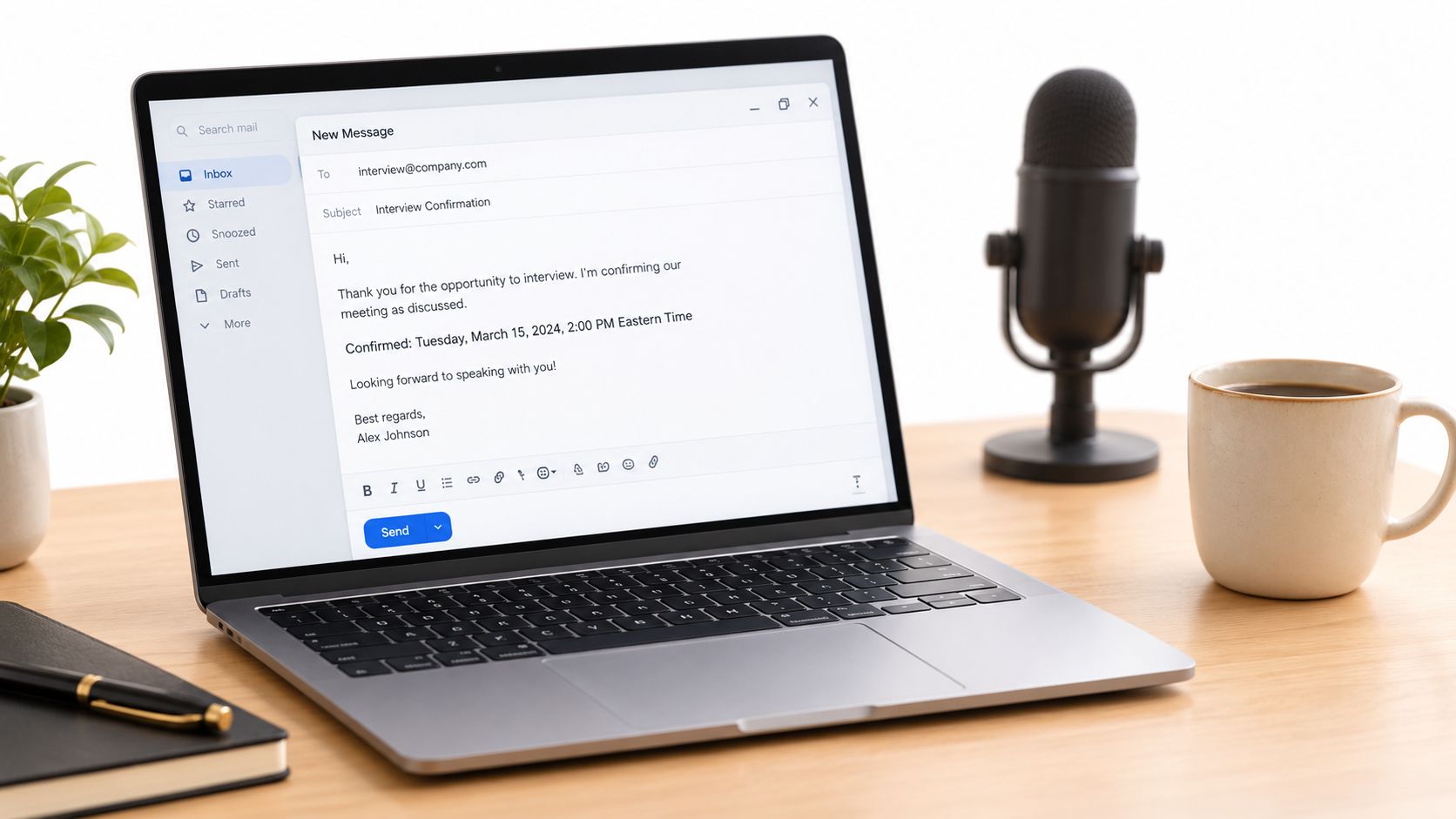
A confirmation email should be short, warm, and specific. Thank the host, repeat the agreed date and time, and confirm the recording format so both sides have a written record. If the original message came from a coordinator or scheduling system, reply in the existing thread where possible and include the relevant host or producer.
The best version also shows that you're preparing for this particular conversation. Mention the episode topic, a recent show theme, or the angle you discussed during booking. That small detail feels more credible than a generic “I'm looking forward to it.”
Template
Hi [Host Name],
Thank you for having me on [Podcast Name]. I'm happy to confirm our conversation about [topic] on [full date] at [time and time zone]. I understand we'll be recording remotely via [platform].
I'm looking forward to discussing [specific topic or episode angle], especially the practical lessons around [relevant point]. I'll join from a quiet space with my microphone and camera ready.
Please let me know if there's anything you'd like me to prepare in advance, and I'll watch for the calendar invitation and recording details.
Best, [Your Name]
Confirmation is not redundant, even when the invitation appears complete. Guidance from Tufts Career Center on responding to interview emails supports confirming the details and replying in the original thread when possible. Avoid adding a long biography, attachments the host didn't request, or a new set of questions that can wait until the logistics are clear.
2. Conditional Acceptance with Clarification Questions Template
Sometimes the invitation is attractive, but you can't responsibly confirm until you understand what the host expects. You may need to clarify whether the conversation is a solo interview or panel, how the topic will be framed, whether the episode is audio or video, or whether the host plans to discuss a product launch.
Lead with enthusiasm before asking questions. That framing matters. “I'm interested, and I want to prepare well” sounds collaborative, while “I need more information before I decide” can sound like resistance even when you're just protecting the quality of the interview.
Large outreach datasets show why targeted communication matters. Campaigns sent to fewer than 50 recipients averaged a 5.8% reply rate, compared with 2.1% for larger sends, while one dataset of 16.5 million cold emails recorded a decline from 6.8% in 2023 to 5.8% in 2024, as reported by Cleverly's cold email benchmark analysis. A focused reply helps the host answer quickly instead of sorting through a broad list of vague requests.
Template
Hi [Host Name],
Thank you for the invitation. I'm very interested in joining [Podcast Name] and would be glad to find a suitable recording time.
Before we finalize the booking, could you confirm:
- Format: Will this be a solo conversation or a panel?
- Focus: Are there particular topics or questions you'd like to prioritize?
- Recording details: Will the conversation be audio-only or recorded on video?
- Timing: What's the expected recording length and publication timeframe?
I'm available during [availability window], and I'm happy to work around your production schedule. Once I have those details, I can confirm the best slot.
Best, [Your Name]
Keep the questions limited to information that affects your preparation or decision. If the host answers clearly, confirm promptly. If you send a long questionnaire before showing genuine interest, you may create unnecessary friction.
3. Time Zone and Calendar Logistics Confirmation
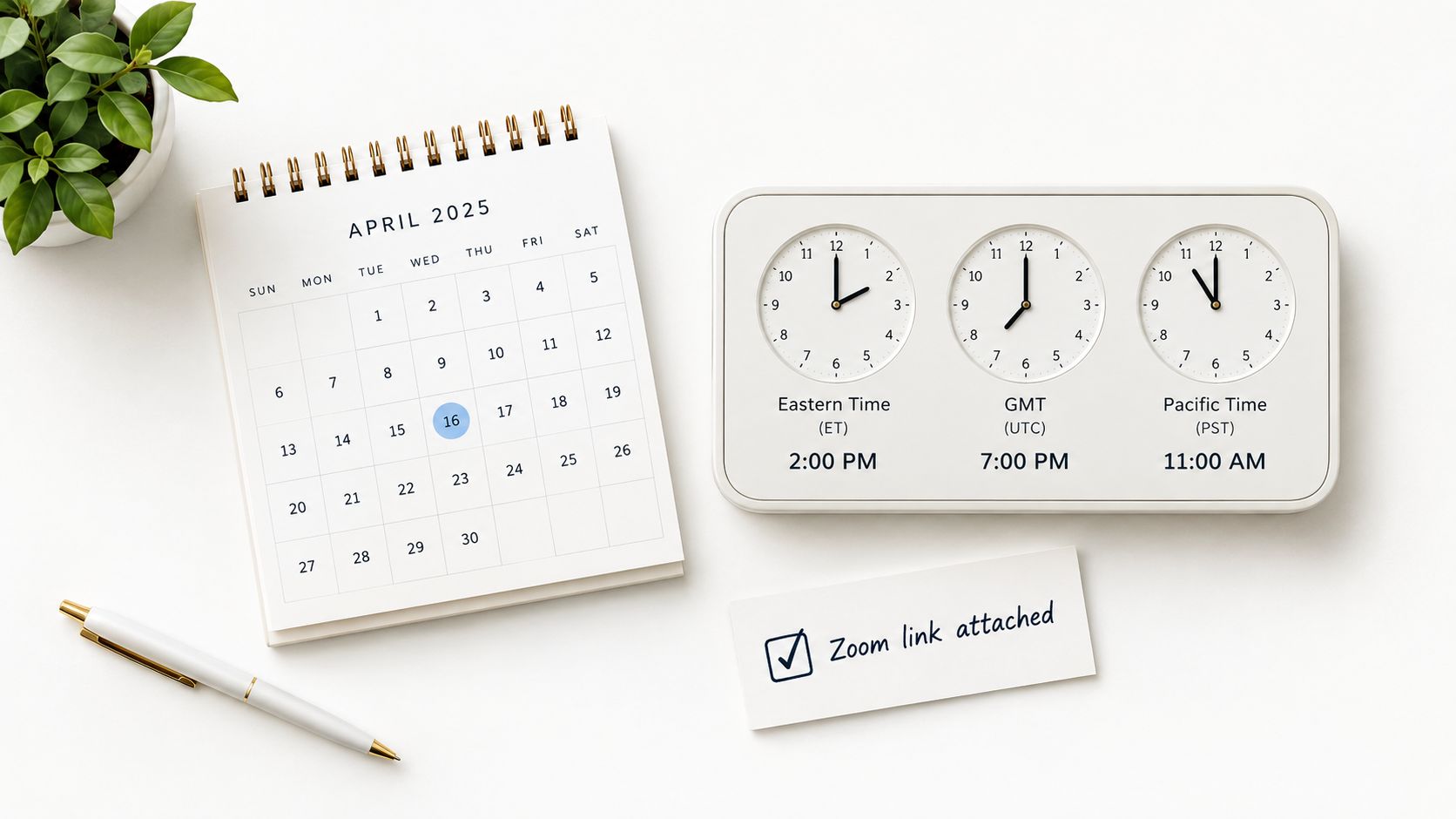
Time-zone confusion is one of the easiest ways to turn a successful booking into a missed recording. Don't rely on an abbreviated zone, an automatically converted calendar, or the assumption that both people read the same local time. Write the date, time, and zone in full, then confirm the invitation and recording link.
This is especially important when the host, guest, producer, and calendar account are in different regions. A system may display the event correctly for one person while an email body shows the original zone. Your reply should make the intended moment unmistakable.
Interview scheduling already creates avoidable administrative work. A Cronofy and JobAdder survey on interview scheduling found that 60% of recruiters needed three or more emails or calls to schedule an interview, while 41% took three or more days and 11% took a full week or longer. The survey also notes that waiting for a response to one email can amount to almost 24 hours, which makes a precise logistics reply worthwhile.
Template
Hi [Host Name],
Thanks for sending the invitation. I confirm [weekday, full date] at [time] [full time zone], which is [converted time] in my local time. I've received the calendar invite and understand that we'll record via [platform].
Could you please confirm that [recording link or dial-in details] is the correct access point? If we have a technical issue, you can reach me at [backup phone number or email].
I'll join from a quiet space with my equipment ready. Please let me know if you'd prefer a reminder before we record.
Best, [Your Name]
For more detail on the information a host should include before booking, use this interview schedule format guide. The trade-off is simple: a slightly more detailed confirmation takes a moment to write, but it's far less costly than discovering the mismatch when the recording should have started.
4. Enthusiastic Acceptance with Guest Preparation Highlights Template
A plain confirmation proves that you'll attend. An enthusiastic acceptance can also reassure the host that the episode will have substance. Use it when you have a clear point of view, a distinctive story, or expertise that maps closely to the show's audience.
Don't turn the reply into a full pitch. Give the host a useful preview, not a script. Three or four concise highlights are enough to suggest direction while leaving room for the host's questions and editorial judgment.
Candidate outreach data reinforces the value of reducing friction and making the next conversation easy to schedule. Pin's analysis of more than 400,000 candidate replies found 62.1% were positive, with 30.7% explicitly attempting to schedule a conversation. The analysis also cites a 24% response rate compared with an 8.3% single cold email baseline, as reported in Pin's candidate reply intent study.

Template
Hi [Host Name],
I'm thrilled to confirm our conversation for [full date] at [time and time zone]. I've enjoyed your recent episode on [specific topic], and I'm looking forward to bringing a practical perspective to [planned subject].
A few areas I'd be glad to explore are:
- The overlooked issue: [short angle]
- The useful story: [relevant experience or lesson]
- The audience takeaway: [specific result or principle]
I can also send a short bio, headshot, or one-sheet if that would help with preparation and promotion. Let me know if there are particular questions or angles you'd especially like to explore.
Best, [Your Name]
A guest one-sheet is useful when it gives the host accurate material to work with, not when it overwhelms the inbox. Let's Make A Podcast's guide to preparing for a podcast interview can help you shape those highlights before sending them.
5. Reschedule Request with Alternative Dates
A reschedule request becomes easier to accept when it arrives early and includes a workable path forward. State the problem plainly, apologize for the disruption, and offer concrete alternatives with the time zone included. You don't need to provide a private or elaborate explanation.
The weakest version says, “Something came up. Can we find another time?” That transfers all the scheduling work to the host and leaves the booking uncertain. A stronger message shows that you still value the opportunity and have already done the work of finding replacement options.
Use a brief explanation such as an unexpected personal matter, an unavoidable work conflict, or a travel disruption. If the change affects production planning, acknowledge that directly. You can also offer practical compensation, such as extra preparation, promotional support, or a more flexible recording window, but don't make an extravagant promise out of guilt.
Template
Hi [Host Name],
I'm sorry, but an unexpected [personal matter or scheduling conflict] means I can't make our recording on [original date and time]. I know this disrupts your production schedule, and I apologize for the inconvenience.
I'd still very much like to join [Podcast Name]. I'm available on:
- [Option A, date, time, and time zone]
- [Option B, date, time, and time zone]
- [Option C, date, time, and time zone]
If none of those work, please send a few alternatives and I'll do my best to accommodate them. I've kept our conversation details in the existing thread so nothing gets lost.
Thank you for your flexibility, [Your Name]
Send the request as soon as you know you need it. The interview scheduling tools guide from Let's Make A Podcast is also relevant when you need to keep alternate dates, messages, and calendar changes documented in one place.
6. Follow-Up to a Non-Responsive Host with Soft Re-Engagement
A follow-up shouldn't repeat the original pitch in full. It should remind the host why you're writing, demonstrate that your interest is still genuine, and make a reply easy. Reference a recent episode, a timely topic, or the scheduling conversation that went quiet.
The tone should stay open rather than accusatory. Don't ask whether the host “saw your email” or imply that silence is disrespectful. A host may be dealing with a production backlog, a changed editorial plan, or a temporary pause in guest bookings.
Template
Hi [Host Name],
I was listening to your recent episode on [topic], and it reminded me why I thought [Podcast Name] would be a strong fit for a conversation about [your topic]. I wanted to check whether you're still considering guests for an upcoming episode.
I'm happy to adjust the topic, recording format, or timing to fit your production schedule. I'm available [availability window], but I can also revisit this later if the current timing isn't right.
Would you be open to confirming whether this is still a fit by [soft date]? You can reply here, or reach me at [alternative contact].
Best, [Your Name]
The trade-off is between persistence and pressure. One thoughtful follow-up can revive a promising exchange, while repeated messages can make the relationship feel transactional. If the host doesn't respond after a small number of relevant attempts, close the loop privately and redirect your effort to better-fit shows.
7. Cancellation or Withdrawal with Professional Closure
Cancellation is different from rescheduling. If you're no longer able or willing to participate, don't imply that another date is likely unless you genuinely intend to return. Lead with the cancellation, explain briefly, and give the host enough information to adjust the episode plan.
Early notice protects the host's production workflow. A same-day cancellation may leave no realistic replacement, while a prompt message gives the host time to change the running order, contact another guest, or revise promotional material. If you can offer a useful alternative, do so without making the host responsible for arranging it.
A referral can help when you know a credible expert who fits the topic and is willing to participate. It isn't a substitute for an apology, though. The host may prefer to reschedule with you, close the opportunity, or revisit the conversation later.
Template
Hi [Host Name],
I need to cancel our interview scheduled for [full date and time] because of an unexpected [brief reason]. I'm sorry for the disruption, especially to your recording and episode planning.
If you're open to it, I'd be glad to reschedule during [future availability]. If that no longer fits your schedule, I understand. I can also recommend [alternative guest or expert] if you need help covering the topic.
Thank you for the invitation and for your understanding.
Best, [Your Name]
Don't bury the cancellation inside several paragraphs of context. Mark the booking status clearly in your workflow, notify everyone included on the invitation, and avoid sending a replacement date unless you're prepared to honor it.
7 Interview Schedule Reply Templates Compared
| Template | Implementation Complexity 🔄 | Resource Requirements ⚡ | Expected Outcomes ⭐📊 | Ideal Use Cases 💡 | Key Advantages ⭐ |
|---|---|---|---|---|---|
| Confirmation and Appreciation Reply Template | Low, simple confirmation with slight personalization | Minimal time (2-4 hrs); email + calendar invite | Clear confirmation; fewer misunderstandings; improved rapport | Initial confirmations after host schedules | Documents commitment; shows promptness and reliability |
| Conditional Acceptance with Clarification Questions Template | Medium, draft 3-5 targeted questions tactfully | Moderate time (~24 hrs); information gathering; careful phrasing | Better alignment; fewer format surprises; possible short negotiation delay | When format/audience/tech details are missing | Ensures mutual fit; improves interview preparation |
| Time Zone and Calendar Logistics Confirmation Template | Medium, verify conversions and calendar sync | Tools: timezone converter, calendar app; 2-4 hrs to verify | Eliminates timezone errors; reduces no-shows and reschedules | International bookings or multi-show scheduling | Prevents timing confusion; provides clear day-of contacts |
| Enthusiastic Acceptance with Guest Preparation Highlights Template | Low, Medium, craft concise, authentic highlights | Short prep (2-3 hrs); bullets or one-sheet; optional assets | Reinforces host confidence; provides promo soundbites; collaborative tone | When guest wants to showcase value or promote content | Signals value; supplies talking points and promo material |
| Reschedule Request with Alternative Dates Template | Medium, tactful apology + 3+ alternatives | Moderate time; calendar coordination; prompt notice | Higher chance to reschedule if timely; may add calendar complexity | Unavoidable conflicts needing postponement | Preserves relationship; offers clear alternatives to rebook |
| Follow-Up to Non-Responsive Host with Soft Re-Engagement Template | Low, brief, well-timed message (7-10 days) | Minimal time; brief message; optional deadline | Increases response rates; keeps opportunity alive or elicits closure | When host hasn't replied to an initial pitch | Gentle persistence; prompts action without pressure |
| Cancellation or Withdrawal with Professional Closure Template | Low, Medium, direct, concise, solution-oriented | Immediate action; brief message; offer alternatives/referral | Protects reputation if early; risk of credibility loss if last-minute | When guest must withdraw from a confirmed booking | Minimizes harm; offers alternatives and preserves goodwill |
Turn Every Scheduling Reply into a Trust Signal
A good scheduling email answers the question the other person is most likely to have next. Confirm clearly when the details work. Ask focused questions when something is missing. Offer concrete alternatives when you need to reschedule. Communicate cancellation as early as possible when the booking can't go ahead.
Before sending, review the date, local time, time zone, recording format, access link, and next action. Make sure the host knows whether you've accepted the booking, accepted it conditionally, or need a response before you can commit. If someone else is copied on the invitation, keep them included so the producer, coordinator, and host share the same record.
The right level of detail depends on the situation. A straightforward confirmation should stay brief. A cross-border booking deserves more explicit time-zone language. A reschedule request needs alternatives, while a cancellation needs clarity before courtesy. Treating every situation as the same copy-and-paste email creates confusion, even when the tone sounds professional.
Trust also comes from respecting the host's production process. Don't make the host reconstruct the date from a long message, search across separate threads for a missing link, or guess whether your “I'll try” means a real commitment. A reliable interview schedule email reply reduces uncertainty and gives the other person a simple way to move the booking forward.
Let's Make A Podcast can consolidate messaging, scheduling, calendar invitations, and pipeline status for hosts and guests. That can be useful when a booking moves from initial interest to clarification, confirmation, preparation, or a change of plans.
Let's Make A Podcast combines podcast discovery, guest and host profiles, pitching tools, in-app messaging, scheduling, and calendar invites in one workflow. Use it to keep your interview schedule email replies connected to the right show, guest, date, and booking status, then visit Let's Make A Podcast to start organizing your next conversation.