In App Messaging Examples: 7 Podcast Booking Moments
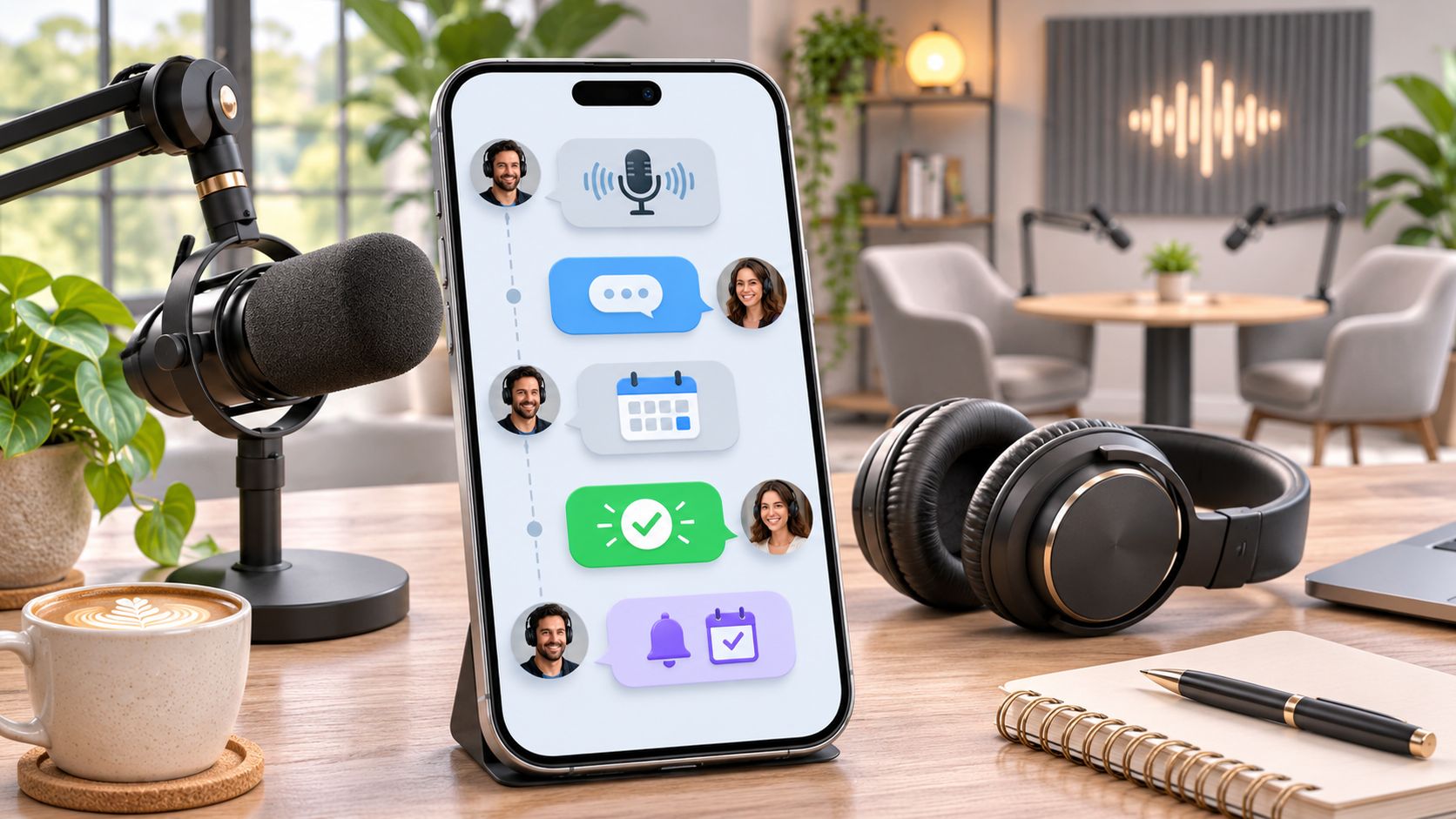
You sent the pitch, the guest opened it, and then nothing. Two weeks later a reply arrives asking about dates that have already passed, and the thread restarts from zero. The pitch was rarely the problem. The missing piece was the message at each step after it.
A podcast booking moves through five moments: first contact, the reply, the scheduling confirmation, the prep note, and the nudge when the thread goes quiet. Every guide below was written for software products, not podcasts, but the mechanics transfer cleanly once you rewrite the sample copy for a guest. Each entry gives you one pattern, a booking-specific sample message, and the change I'd make before sending it.
Table of Contents
- 1. Appcues on the best in-app messaging examples that drive real engagement
- 2. Customer.io, 12 in-app messaging examples and best practices
- 3. Intercom on retaining your best customers with in-app messaging
- 4. Braze in-app messages documentation
- 5. Pendo, The Big Book of mobile in-app messaging
- 6. Userpilot, 17 best in-app messaging examples to improve customer engagement
- 7. Pushwoosh on what in-app messaging is, benefits, formats, and 21 examples
- How the six in-app messaging sources differ in focus, formats, and caveats
- Build One Message for Each Booking Moment
1. Appcues on the best in-app messaging examples that drive real engagement
The Appcues guide to in-app messaging examples organizes its examples by tactic rather than by screenshot: personalization, feature walkthroughs, upgrade prompts, progress celebrations. It then maps formats, including modals, tooltips, banners, hotspots, and checklists, onto those tactics, and adds notes on targeting, timing, and interruption level.
That structure is useful because it forces you to ask what job the message does before you ask how it looks. The progress celebration pattern is the one worth stealing for a booking sequence.
The sample message
Booking moment: host confirms a recording date. "Locked in for Thursday the 14th at 2pm. Calendar invite is in this thread. I'll send the question outline Monday so you've got time to flag anything."
The tactic is recognition: it marks a milestone and tells the guest what happens next. What to change before sending is the tone. Software celebrates completion of an in-product task, but a working producer sounds like a coordinator, not a confetti animation.
- Strong on format choice: the modal, banner, and checklist distinctions map well onto booking messages, where a hard confirmation needs more weight than a soft reminder.
- Explains the reasoning: the guide says why a message type suits a use case, which is what you need when adapting copy for a guest.
- Practical on frequency: it treats relevance and message volume as design constraints, not afterthoughts.
- Vendor lens: several examples are framed from Appcues' own product perspective.
- Limited to product guidance: it covers adoption and feature discovery, not two-person negotiation over a recording slot.
2. Customer.io, 12 in-app messaging examples and best practices
Where Appcues organizes by tactic, the Customer.io collection of in-app messaging examples organizes by lifecycle moment: onboarding, feature discovery, feedback, and the stages in between. Each example comes with sample copy you can adapt, and the guide frames in-app communication as one channel inside a wider messaging strategy rather than a standalone trick.
Lifecycle framing is the lesson. A pitch to a cold host and a scheduling note to a host who already said yes are different stages, and they need different copy. Use the lifecycle idea as your segmentation rule and the sample copy as raw material you rewrite entirely.
The sample message
Use the feedback-request pattern for the reply you send after a guest says no, or after a recording that ran long.
"Thanks for coming back to me so quickly. Before I close this out, was the ask itself off, or was it the timing? One line is enough, and I'll keep it in mind next time."
What to change: never send a feedback request that requires the guest to do work to help you. One question, one line, no form. For more on what a nudge should say when the reply never comes, see this guide to the pitch follow up email template.
- Ready-to-adapt copy: every example ships with language you can rewrite in minutes.
- Recognizable products: the examples come from apps readers already use, which makes the patterns easier to picture.
- Lifecycle logic: it connects a single message to the person's stage.
- Vendor framing: the guide supports Customer.io's platform and leans on its approach.
- Vendor-reported numbers: treat any performance claims in it as directional, not a forecast for your show.
3. Intercom on retaining your best customers with in-app messaging
The Intercom guide on retaining customers with in-app messaging draws a line that most messaging advice blurs. Chats are two-way. Posts are one-to-many. The guide covers both, plus onboarding, surveys, targeted messages, and mobile carousels, with examples for welcoming people, promoting features, and collecting feedback.
A booking thread needs both modes, and conflating them is where hosts get into trouble. A scheduling back-and-forth is a chat. A prep note with the outline, the recording link, and the run time is a post. Send the post inside the chat and it reads as noise. Send the chat as a post and the guest can't answer it.
The sample message
Booking moment: the prep note, sent as a one-to-many style announcement inside the thread. "Recording is Thursday at 2pm, 45 minutes, remote. Three sections: your background, the specific framework you use, and where listeners can find the work. No slides. Join link is pinned above."
The tactic is the announcement format with a clear structure and no question attached, so nothing here needs a reply. What to change: keep it inside the same thread anyway. A separate channel for prep is how details get lost.
Practical rule: if the message needs an answer, it's a chat. If it needs to be found again later, it's a post. Decide which before you write.
- Strong for support scenarios: the guidance fits conversations that already exist rather than campaigns aimed at strangers.
- Mode clarity: the chat-versus-announcement split is the most useful single idea in any guide here.
- Testing advice: it covers testing placement and message elements, which carries over to subject lines and send times.
- Ageing examples: some content is older than what newer guides carry.
- Product-led view: it leans on Intercom's features, so treat it as one perspective rather than a neutral survey.
4. Braze in-app messages documentation
The Braze in-app messages documentation is a reference, not a gallery, and that's why it earns a place on this list. It separates slide-ups, modals, and full-screen messages by interruption level, then pairs each format with use cases such as onboarding, push-permission priming, and feature adoption. It also covers targeting, personalization, custom HTML, and mobile versus web delivery.
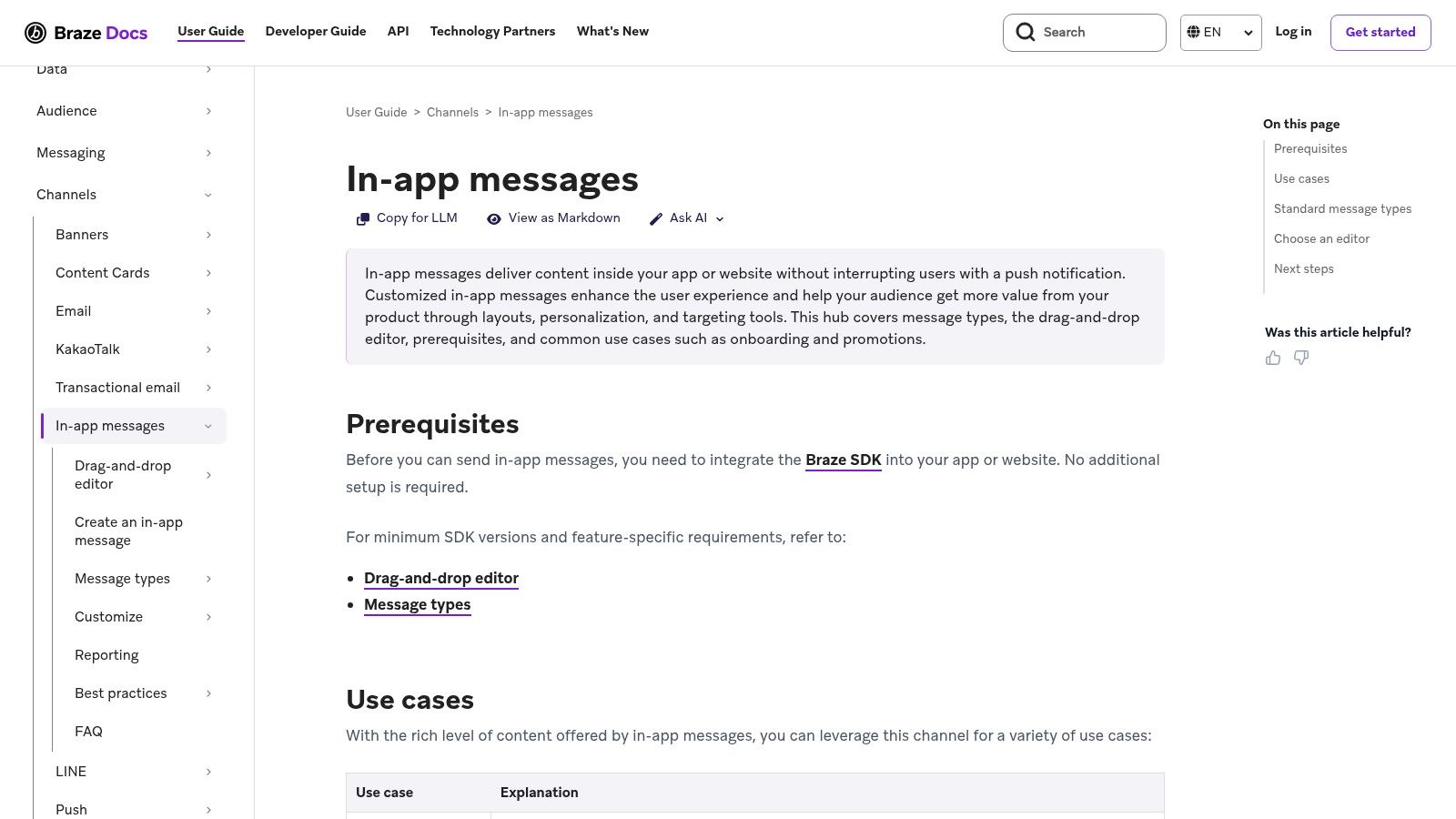
Interruption level is the transferable idea. A booking thread should interrupt the guest about three things: a proposed time that needs a yes, a cancellation, and a recording starting soon. Everything else belongs in a digest or in the thread itself with no notification attached.
The sample message
Use the highest-interruption format for the one message that needs it.
Booking moment: the day-before reminder. "Tomorrow, 2pm, 45 minutes. Nothing needed from you beforehand. If the time has moved, reply here and I'll rebook."
The tactic is a full-screen level of attention reserved for a single high-stakes event. What to change: strip every extra request from it. A reminder that also asks for a bio, a headshot, and three questions isn't a reminder, it's a second pitch.
- Format by friction: the clearest explanation anywhere of how much screen a message should take.
- Implementation detail: useful for product and engineering teams wiring up triggers.
- Concrete use cases: each format comes with the jobs it suits, not just a preview image.
- Technical audience: written for Braze customers, so expect setup language.
- Few brand examples: it's a how-to reference, not a source of finished copy.
5. Pendo, The Big Book of mobile in-app messaging
The Pendo Big Book of mobile in-app messaging is a downloadable long-form guide covering mobile use cases, examples, and best practices, weighted toward product education and adoption. Pendo's own documentation describes in-app guides for announcements, walkthroughs, onboarding, and polls, with reporting attached.
The walkthrough pattern is what a first-time guest needs. A host who has never recorded remotely doesn't need motivation, they need the order of operations: accept the invite, test the mic, join five minutes early, expect a check-in before recording starts.
The sample message
Booking moment: the walkthrough note sent the day a guest accepts. "Three things before Thursday. Accept the calendar invite so it's in your diary. Open the join link on a laptop, not a phone, and check your mic in the first 30 seconds. Join five minutes early and we'll do a two-minute sound check before we record."
The tactic is sequencing, one action per sentence, in the order the guest performs them. What to change: cut the walkthrough to the steps that cause failures. For most remote bookings that's audio, camera framing, and joining on time, not a tour of the platform.
- Long-form depth: a convenient single document if you want to read once and take notes.
- Education focus: it treats adoption and understanding as the goal, which suits guest prep.
- Measurement angle: Pendo connects guidance to reporting, useful if you track reply and confirmation rates.
- Dated PDF: several years old, so read it as inspiration rather than a current feature comparison.
- Heavy for small shows: the product behind it is bigger than most independent hosts need.
6. Userpilot, 17 best in-app messaging examples to improve customer engagement
The Userpilot roundup of in-app messaging examples is the most complete of the seven, with 17 patterns mapped to onboarding, adoption, retention, and expansion. Welcome screens, checklists, tooltips, surveys, banners, and upgrade prompts all appear, each with a note on when it helps and what to consider before copying it.
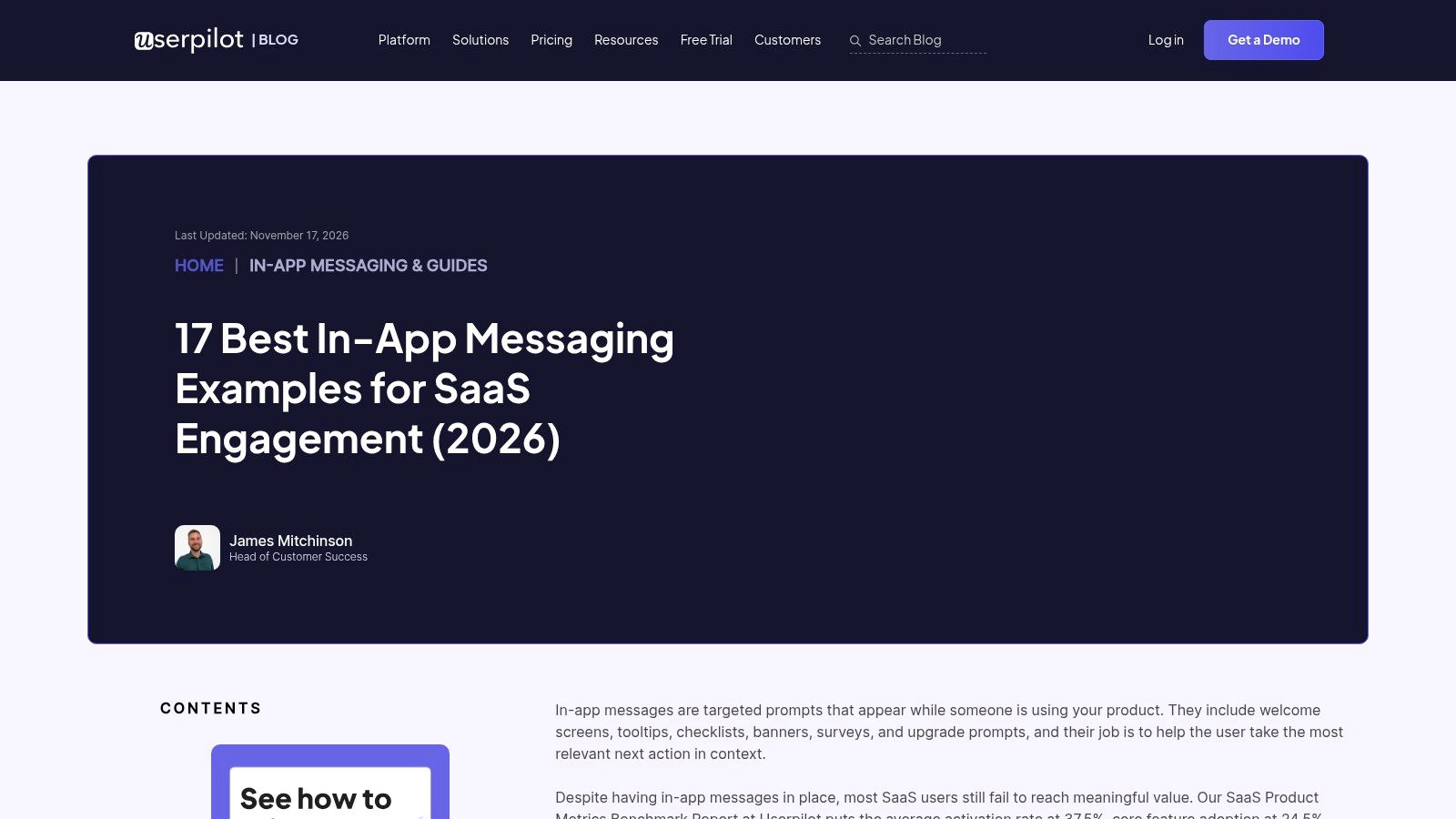
The checklist pattern is the strongest fit for a booking, because a booking is a series of small completions: pitch sent, dates agreed, invite accepted, prep sent, recorded. A guest who can see what's done and what's left chases less and confirms faster.
The sample message
Booking moment: the first contact, framed as the start of a checklist. "Two steps and we're booked. One, reply with a yes or a no to the topic below. Two, pick any slot from the three times in this thread. I'll handle the invite, the outline, and the recording link from there."
The tactic is reducing the ask to a visible, finite number of actions. What to change: don't show a guest a checklist they can't act on. If step two depends on your calendar, open the slots before you send. For pitch language that carries this structure, these podcast pitch examples are worth reading alongside.
- Broad coverage: more patterns in one place than any other guide here.
- Journey mapping: each example sits at a stage, which helps you pick by booking moment.
- Adaptation advice: it tells you what to consider before reusing a pattern, not just to reuse it.
- PLG framing: it supports a product-led growth tool category, so the lens is commercial.
- Vendor benchmarks: outcome figures are vendor-reported and need context before you trust them.
The deeper problem with most example libraries is that they show attractive screens and skip the question of who controls the interruption. For a booking, that question matters more than the design. A host and a guest both need to decide which events interrupt them, which can wait for a digest, and how to mute a thread without losing the record of it. Build the defaults so restraint is the easy choice, then let each person override them per thread.
7. Pushwoosh on what in-app messaging is, benefits, formats, and 21 examples
The Pushwoosh guide to in-app messaging with 21 examples is the one that explains the channel's mechanics most plainly. It defines in-app messages as units that appear during an active session, notes that they need no opt-in unlike push, and walks through seven formats including half-interstitial, sticky header, full-screen cover, inline, and in-app stories. Then it maps examples onto onboarding, promotion, feature adoption, transactional messages, and upgrade prompts.
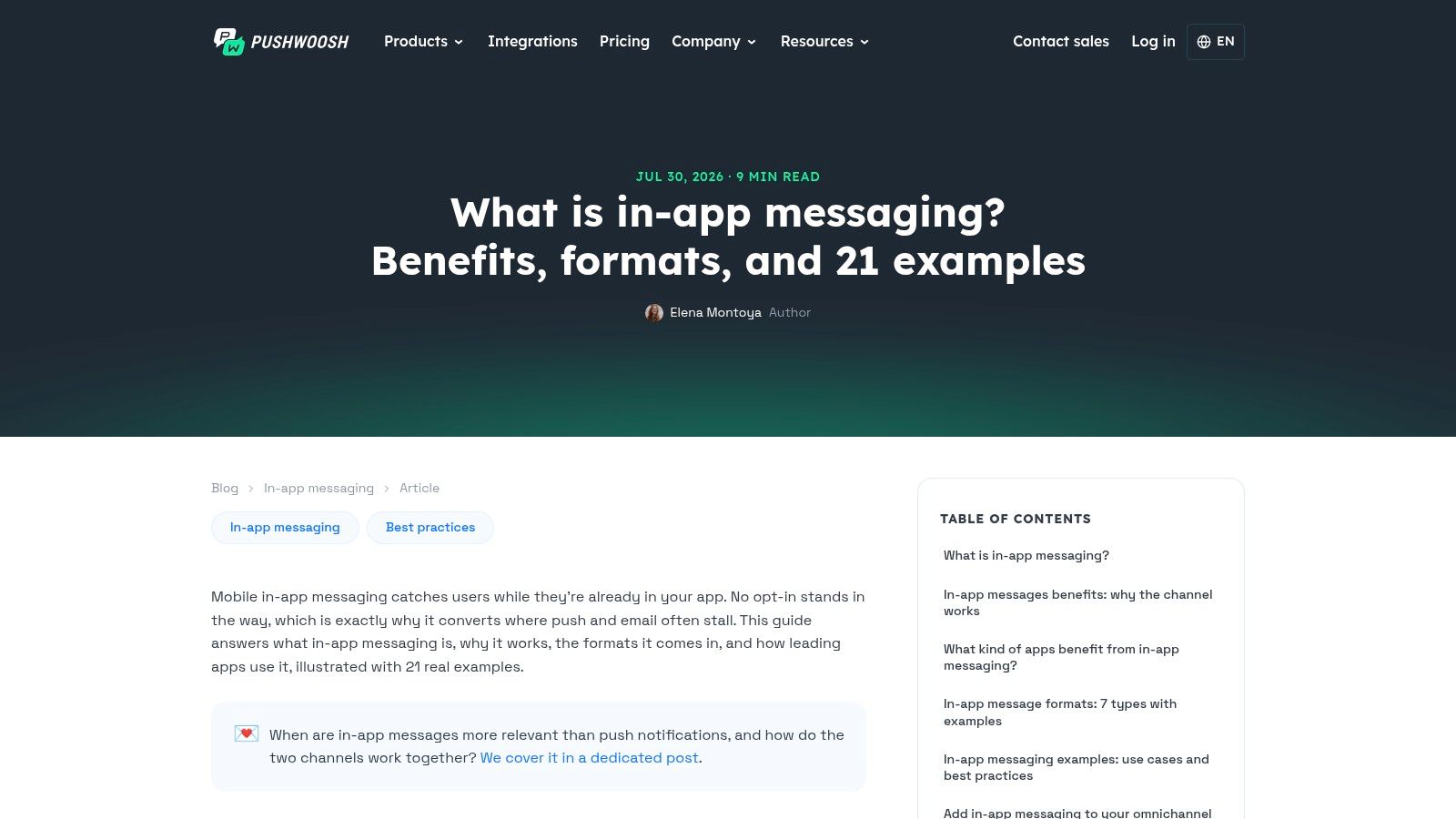
The transactional message pattern is the one to take. Most booking messages are transactional: this was confirmed, this changed, this was cancelled. They exist to record a fact, not to persuade.
The sample message
Booking moment: a reschedule. "The Thursday slot has moved to Friday at 2pm, same length. The invite in this thread now shows Friday. Reply here if Friday doesn't work and I'll send two alternatives today."
The tactic is confirming the state change and naming the one action available. What to change: the transactional example in most product guides is a receipt, and receipts don't ask questions. A reschedule is a receipt plus a decision, so it needs one clear reply path or it becomes a dead end.
Keep transactional copy boring. A confirmation that tries to be warm and clever reads as ambiguous about whether anything changed.
- Clearest definitions: the in-app versus push distinction is explained with the mechanics behind it.
- Format catalogue: seven formats with the jobs each one suits.
- Mobile weighting: written for mobile apps, which suits shows recorded and coordinated on the move.
- Platform promotion: the guide sells Pushwoosh's messaging product.
- Desktop gaps: some examples land poorly for desktop-first workflows and long email-style prep notes.
How the six in-app messaging sources differ in focus, formats, and caveats
| Item | Best for | Formats covered | Main caveat |
|---|---|---|---|
| Appcues | Product adoption and engagement examples | Modals, tooltips, banners, hotspots, checklists | Product-focused and not about person-to-person chat |
| Customer.io | Lifecycle messaging ideas and adaptable sample copy | In-app messages for onboarding, discovery, feedback, and other lifecycle moments | Vendor-reported claims may not transfer directly |
| Intercom | Support and customer-success messaging | Chats, Posts, onboarding messages, surveys, mobile carousels | Some content is older and Intercom-focused |
| Braze | Technical implementation and format selection | Slide-ups, modals, full-screen messages | Geared toward Braze customers and technical users |
| Pendo | Mobile product education and adoption inspiration | Mobile in-app messages, walkthroughs, announcements, polls | The downloadable guide is several years old |
| Userpilot | SaaS customer lifecycle messaging | Welcome screens, checklists, tooltips, surveys, banners, upgrade prompts | Vendor-reported benchmarks should be read in context |
| Pushwoosh | Mobile messaging campaign inspiration | In-app messages across lifecycle use cases | Less applicable to desktop-first SaaS products |
Build One Message for Each Booking Moment
Seven guides, one conclusion: the pattern matters less than the placement. Write a template for each of the five moments, and hold every message to one purpose and one clear next step. First contact asks for a yes. The reply answers the actual question asked. Scheduling confirms a single time. Prep tells the guest what to do and what not to prepare. Follow-up reopens the thread while it's still warm.
Send the follow-up too early and you look impatient. Send it too late and the guest has mentally moved on. The practical window is a few days after the last real message, with something new in it: another slot, a shorter commitment, a specific angle you noticed in their recent work. "Just checking in" carries nothing.
The tooling change matters more than the wording. Once a pitch, a reply, and a calendar invite live in one thread, the sequence stops depending on someone remembering to switch apps. On Let's Make A Podcast, a reply or booking is recorded with one tap, invites, messages, and scheduling sit in one conversation, and when a pitch goes quiet the platform emails the guest a follow-up draft ready to send. The booking sequence keeps moving when your week doesn't.
Every one of those five moments works better when the invite, the message, and the calendar live in a single thread rather than three apps. Let's Make A Podcast gives hosts and guests one place to pitch, reply, schedule with calendar invites, and pick a quiet thread back up, with a free account for both sides and no booking fees. Start with the one-sheet builder, then send your next pitch from the same thread you'll book in.